Establishing credentials for the Twilio connector
By establishing credentials for the Twilio connector, you have the information you need to provide on the Connection tab when you create a Twilio connection.
is registered with Twilio as a Connect App. To use the Twilio connector, you must establish service-specific credentials.
-
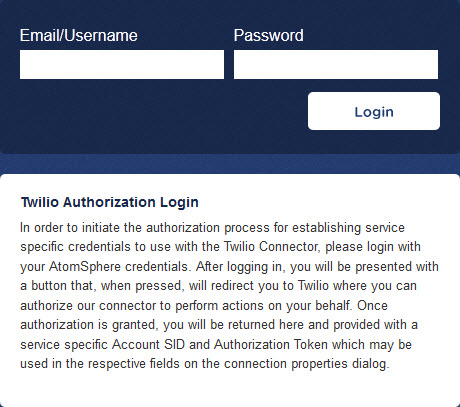
Browse to https://ondemand.Boomi.com/application/twilio/connect.php.
-
In the Email/Username field, type your account name.
-
In the Password field, type your account password.
-
Click Login.
A page loads advising you that wants to connect to your Twilio account.
-
Click Connect.
You are redirected to Twilio.
-
Log in to Twilio.
You are redirected back to . Your credentials for use with the Twilio connector, Account SID and Authentication Token, appear.

-
Note the credentials, which you need to enter on the Connection tab when you create a Twilio connection.
