Enabling metrics of Custom accounts
The Monitoring Spec feature is currently not available in the UK/EU Platform.
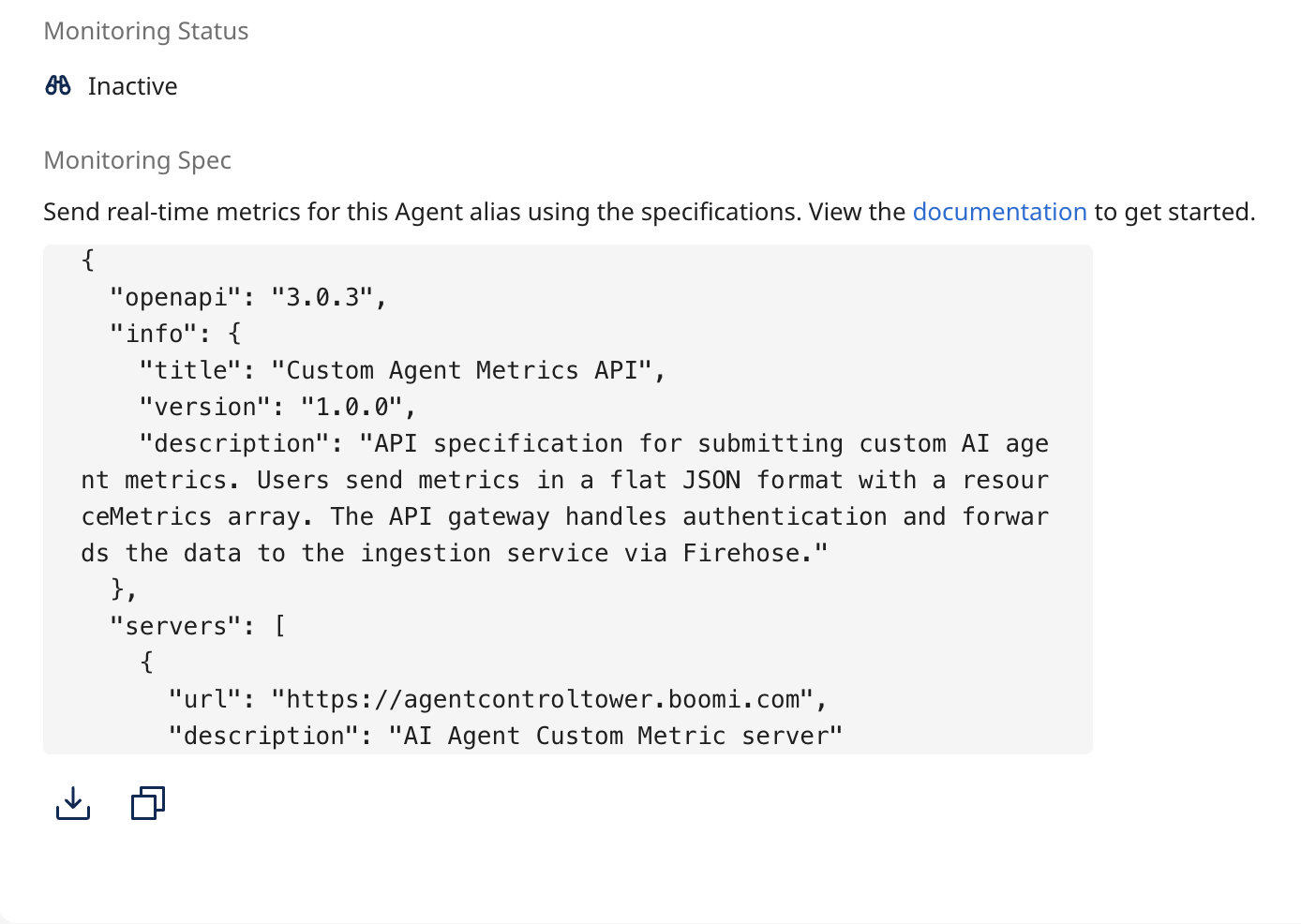
To enable agent metrics on the Agent Control Tower, you need the Monitoring Spec available in the overview section of your agent ALIAS.
To enable agent metrics for Claude Code refer to Enabling metrics for Claude Code.
Prerequisites
- You need to have a published Agent Alias of your agent created.
- You must use the
extAccountAliasIdandproviderTypefrom the Monitoring Spec section for integrating monitoring metrics with ACT. - You need a Boomi Access Token.
To enable metrics perform the following steps:
-
Go to the agent Alias of the agent you want to use.
-
From the Overview tab, navigate to the Monitoring Spec section and copy or download the OpenAPI spec to your local desktop.
-
Navigate to Postman and perform the following:
-
In Postman, select the POST method and enter the server URL and path from the OpenAPI specification through which the metrics will be passed. The path is auto-populated with the account ID.
-
Under Authentication, enter your credentials:
- Username:
BOOMI_TOKEN_<platform account username> - Password:
<API token>(Refer to creating an API token).
- Username:
-
Configure the spec to integrate your agent metrics. To configure the spec, refer to constructing agent metrics.
-
Navigate to Body and select the type as Raw, and paste the OpenAPI spec you copied earlier from your agent alias overview page.
-
Click Send. A successful API call will result in a 200 OK response.
You can automate the entire process from the client server side. Refer to Constructing Agent Metrics
Navigate back to Agentstudio > Agent Control Tower > Monitoring and Compliance. You will see the metrics of your agents displayed on the page. Filter according to Time, in case the metrics are not visible.
