Changing the configuration of a staging area for a source
You can change the name or ID of an existing staging area for a source.
Procedure
-
In the repository page, click the domain to which the source is attached and select the Sources tab.
-
In the staging area’s gear icon
 menu, select Configuration.
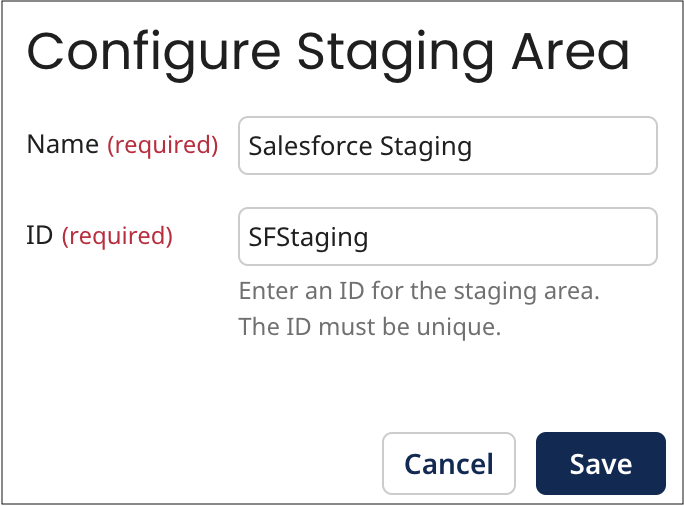
The Configure Staging Area dialog appears and takes focus.
-
Do either or both of the following:
-
In the Name field, type a new name for the staging area.
-
In the ID field, type a new ID for the staging area.
-
-
Click Save.
The dialog closes, and the staging area’s configuration is updated.
Next steps
note
If you change the staging area’s ID (step 3b), you need to update any integrations with the staging area to refer to it by its new ID.
