Using file and folder details tabs
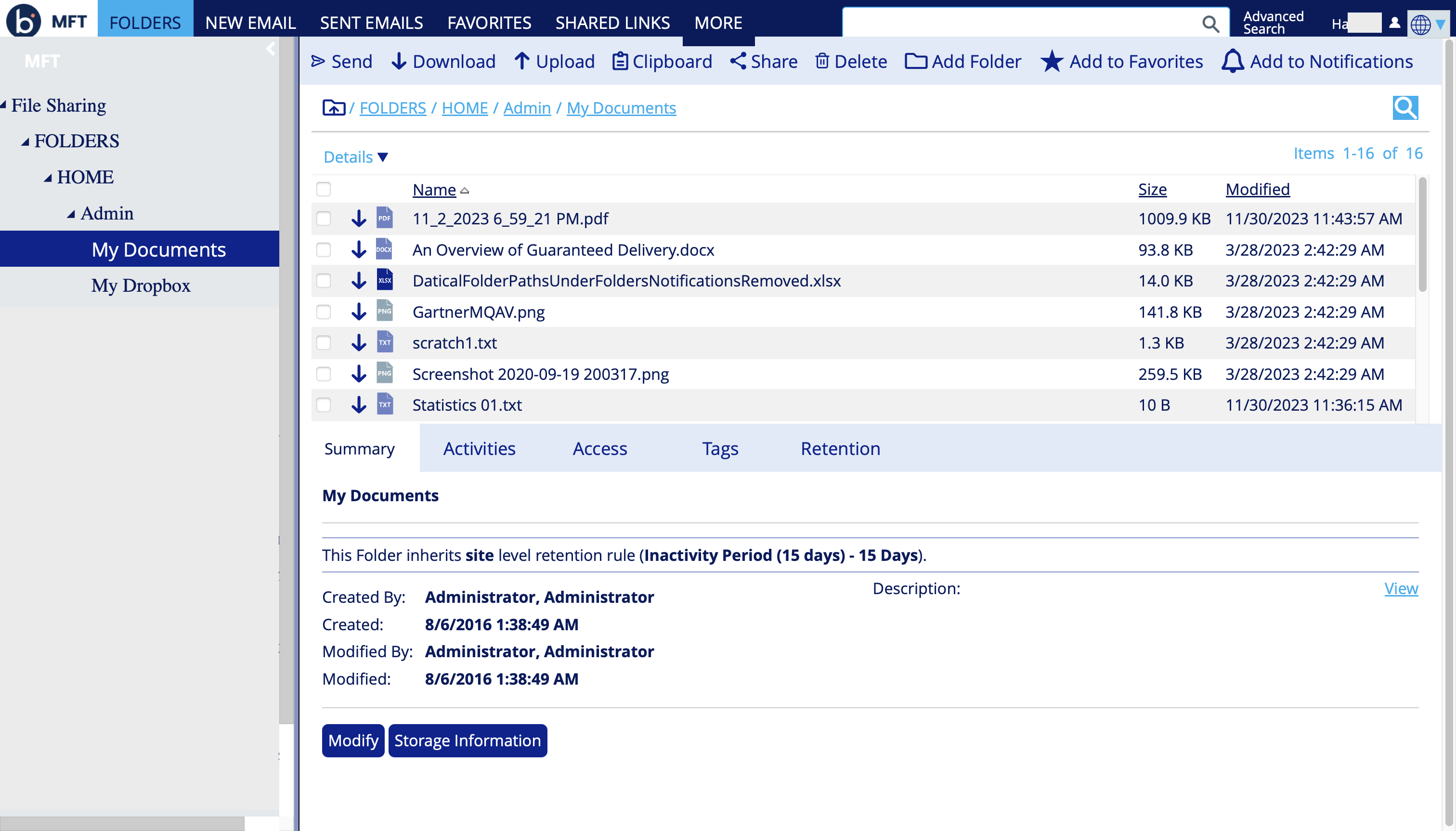
The File and Folder Details tabs provide additional information and feature for a selected folder or file.
The location of these tabs changes based on the responsive user interface.
- On larger screens or when you minimize the folder tree, the Details tabs appear in a third panel on the right side of the screen.
- On smaller screens, the Details tabs appear below the folder contents, as shown here.