Flow Summary
Updated
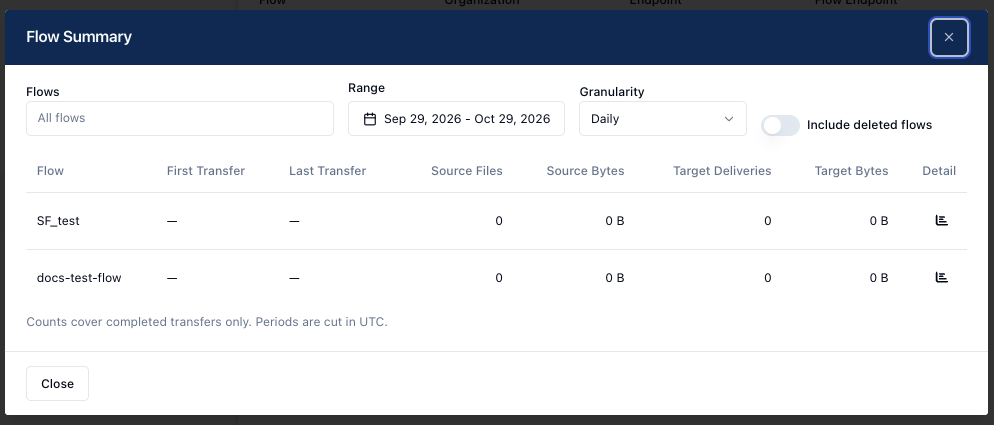
The Flow Summary dialog provides a snapshot view of flows in the selected organization. It includes the following information:
- Flows - Display all flows or a specific flow in the table.
- Range - The date range for which to display data. The default range is the past month, for example, Sept 29, 2026 - Oct 29, 2026.
- Granularity - The level of detail for the selected range: Daily, Hourly, Monthly. The default is Daily.
- Include deleted flows - When toggled on, data from deleted flows that had activity during the selected range displays in the table.
- First Transfer - The time stamp of the first transfer in the selected range.
- Last Transfer - The time stamp for the last transfer in the selected range.
- Source Files - The number of source files.
- Source Bytes - The size, in bytes, of the sources files.
- Target Deliveries - The number of target deliveries.
- Target Bytes - The size, in bytes, of target deliveries.
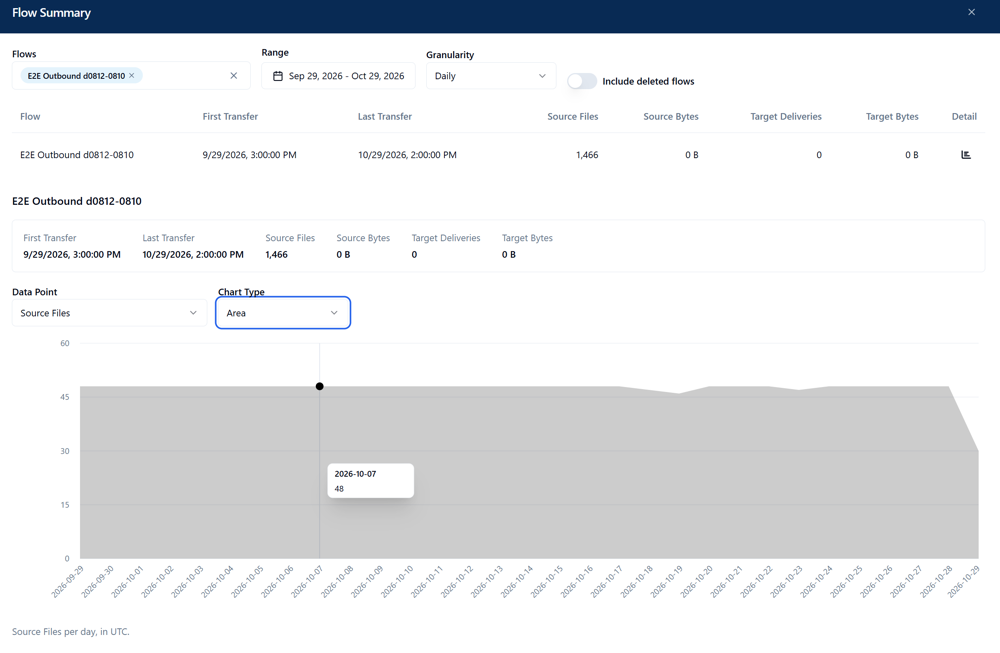
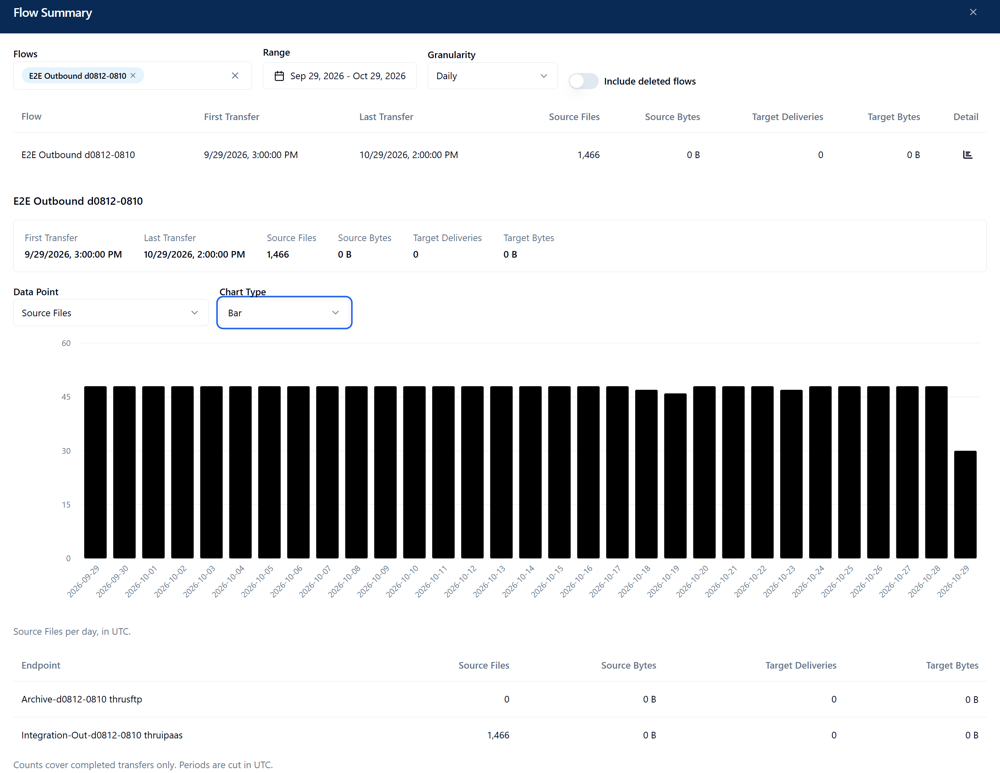
Clicking Details next to a flow opens a chart displaying the data for the flow. You can also view the flow details chart by selecting a specific flow from the Flows drop-down.
You can change the Data Point and Chart Type to view individual data points in different chart formats.
- Data Point - Source Files, Source Bytes, Target Deliveries, or Target Bytes
- Chart Type - Line, Area, or Bar