Searching for packages to deploy by name
Use the search field in the Create Deployments wizard to find packaged components that are available for deployment.
Procedure
-
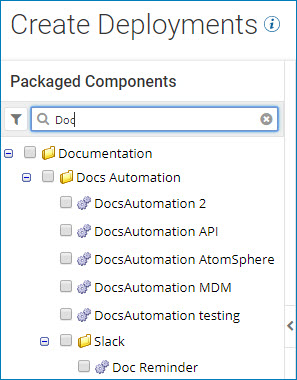
On the Select Packages page in the search box at the top of the packages list, type all or part of a package name.
The packages whose names contain the characters that you typed appear in the list.
-
To reset the list, do one of the following:
- Click the Clear icon.
- Press the Esc key.
