Deploying packages from the Deployments page
From the Deployments page, deploy packages that were previously created but not yet deployed. You can deploy a maximum of 250 packages at one time.
Before you begin
You must have the Process Deployment privilege to perform this task.
About this task
Components must be packaged before they can be deployed. You can deploy a package that was previously created on the Build page or the Package Manager page.
Procedure
-
From the Deploy menu, select Deployments.
The Deployments page is displayed with a list of actively deployed packages.
-
Click Deploy Packages.
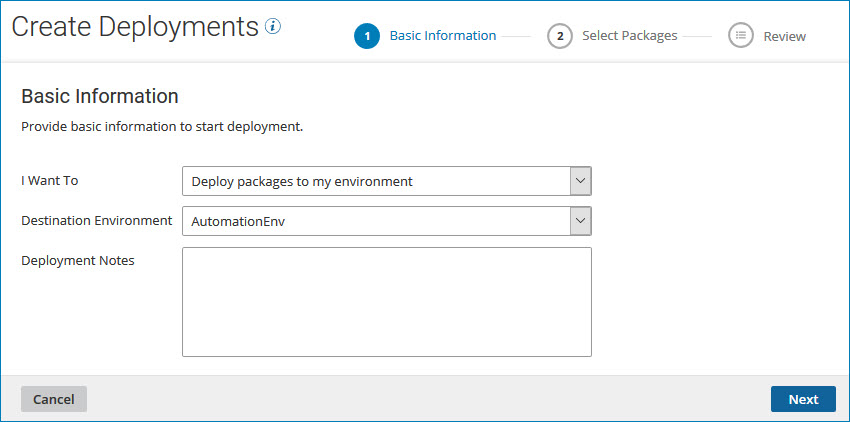
The Create Deployments wizard opens to its Basic Information screen.
-
In the Basic Information screen, perform the following steps:
-
In the Destination Environment drop-down list, select the environment where you want to deploy the package.
-
In the Deployment Notes field, specify descriptive notes about this deployment.
-
Click Next.
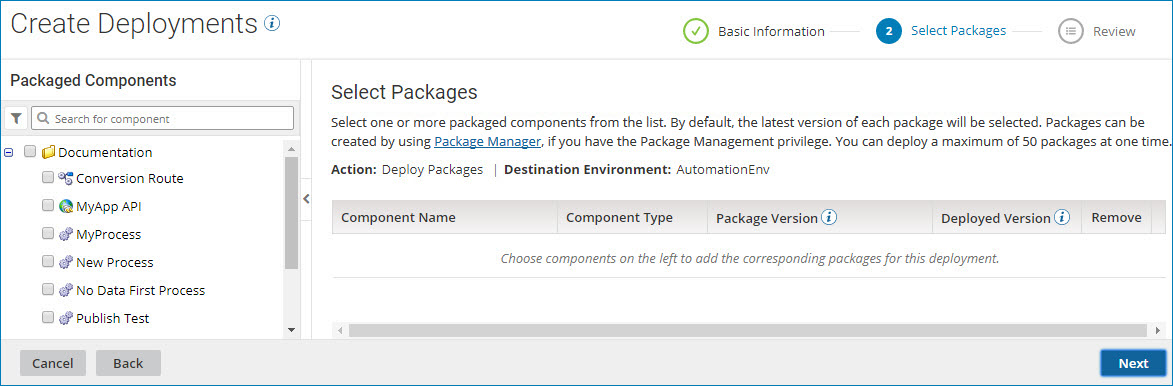
The Select Packages page is displayed.
-
-
On the Select Packages page, perform the following steps:
-
To search the list of packaged components, use the search box or filter icon
 at the top of the Packaged Components list.
For information about searching for packaged components, see the Search for packages to deploy topic.
-
Select one or more components from the list of packaged components by turning on their check boxes.
The packaged components that you select appear in the packages table. By default, the most recent version of each package is selected.
-
To display information about a selected package, click View details.
The Package Details page is displayed.
-
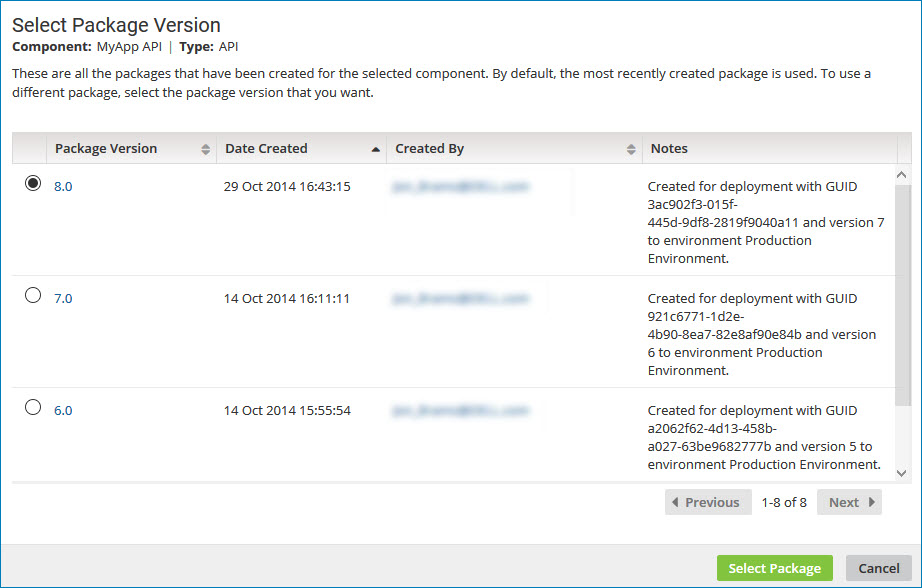
To select a different version of a package, click Select another version.
The Select Package Version page is displayed.
-
Click the radio button for the version that you want to deploy, and click Select Package.
The Select Packages page is redisplayed.
-
To remove any packages that you do not want to deploy, do one of the following:
- Clear the check box in the Packaged Components list.
- Click Remove
 to delete the row.
-
Click Next.
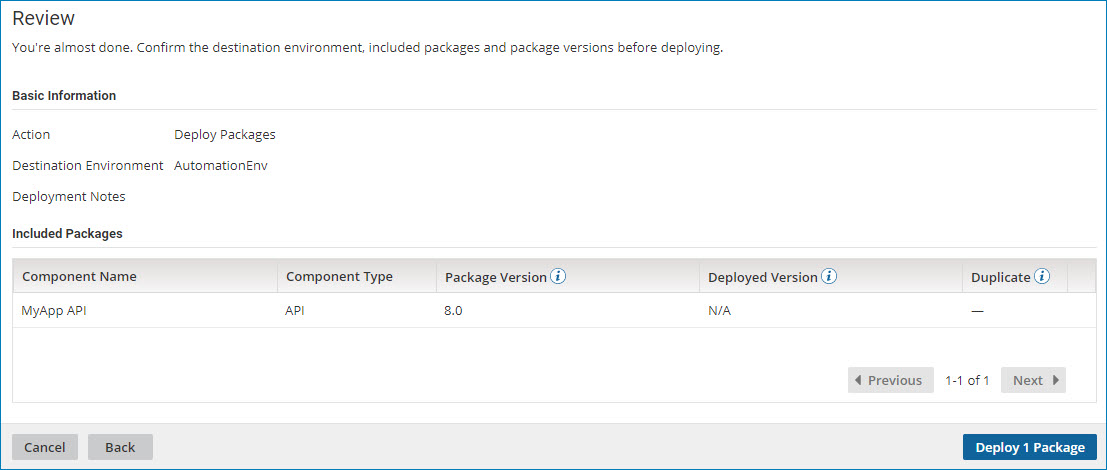
The Review screen is displayed.
-
-
Review your deployment information, then click one of the following:
- Deploy n Packages to deploy the selected packages to the specified environment.
- Back to return to the Select Packages page.
- Cancel to cancel the request and return to the Deployments page.
noteIf any of the package versions you selected are already deployed to the specified environment, you receive a warning message. The packages are identified with a value of Yes in the Duplicate column and they are not included in the number of packages to be deployed. When you click Deploy n Packages, the duplicate packages are not deployed.
If all of the package versions you selected are already deployed to the specified environment, you receive an error message.
Results
If the specified environment was deleted or you no longer have permission to deploy to that environment upon clicking Deploy n Packages, the wizard closes and you receive an error message. You need to re-execute the wizard to deploy to another environment.
