Themes
Updated 16 July 2026
Themes provide a no-code alternative to Players for customizing the look and feel of your flows. You have the ability to customize the design elements contained within any Flow such as fonts, background color, border, and so on.
Adding customizations to a Flow formerly required modifying a Player and executing the Flow. Themes eliminate the need to manually edit HTML code by providing a user interface for the most common customizations.
Enabling themes
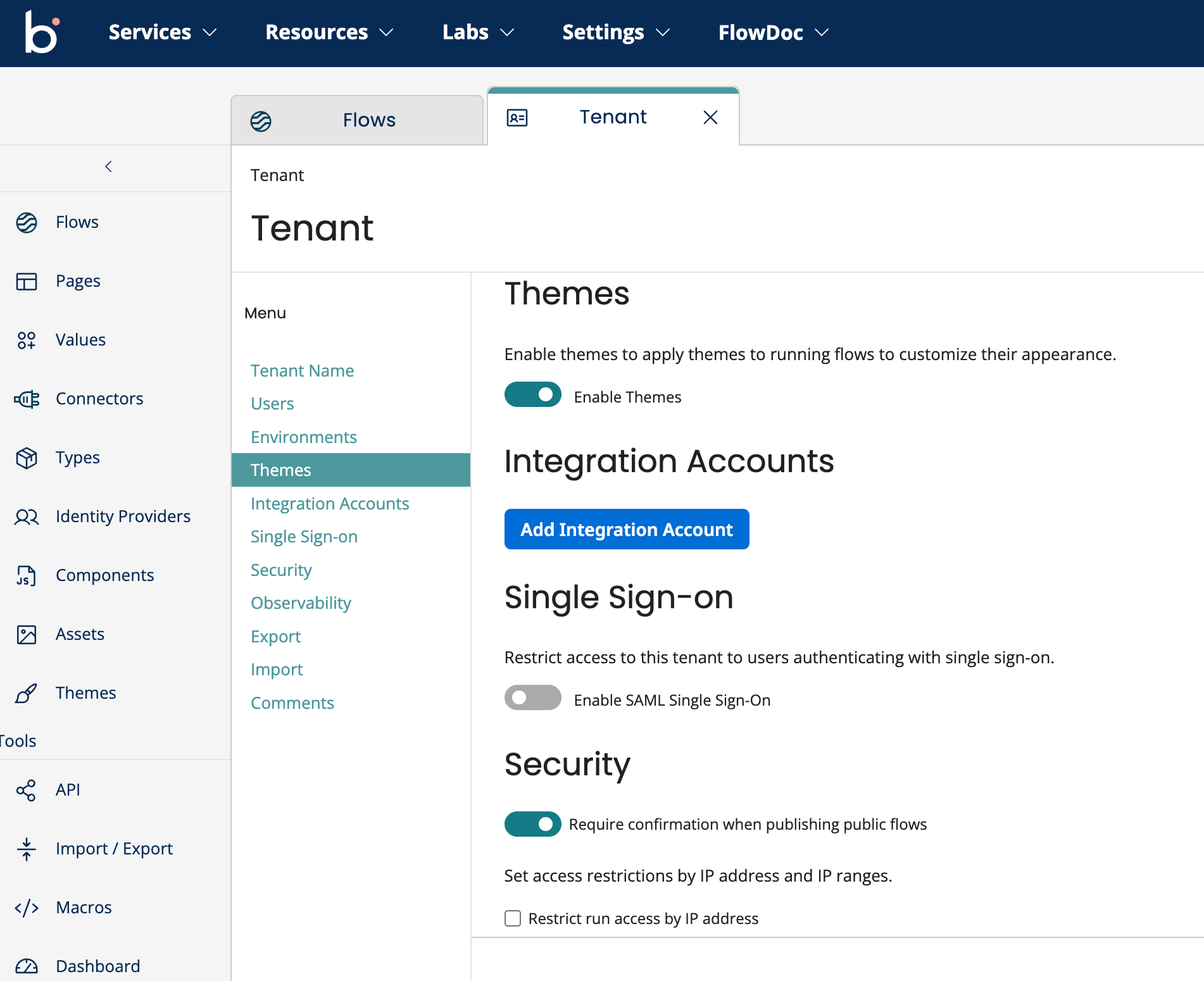
To use Themes, you must first enable them under your Tenant settings.
note
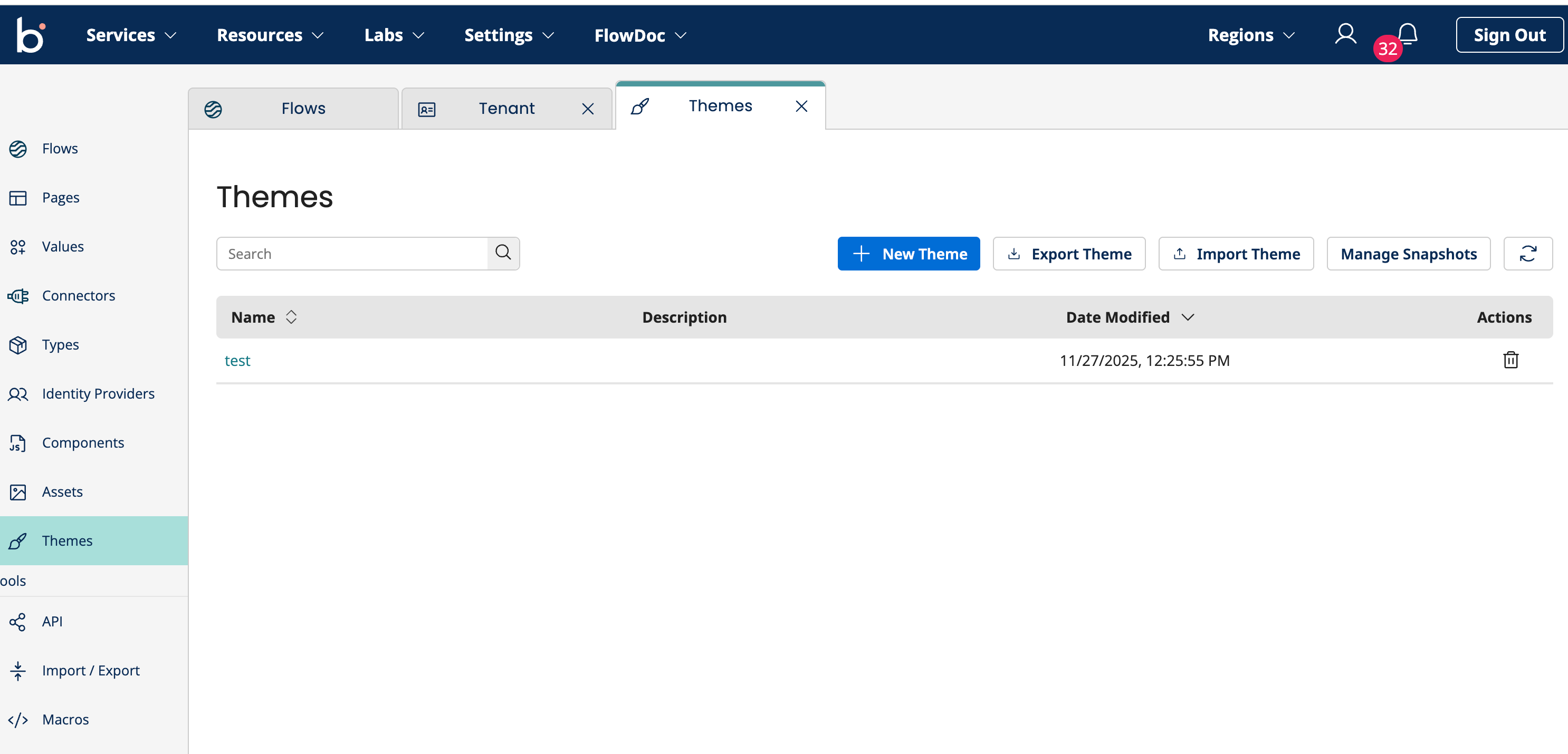
Enabling Themes will activate the Themes menu in the side navigation pane and remove the Players menu.