Page metadata
View and edit the page metadata.
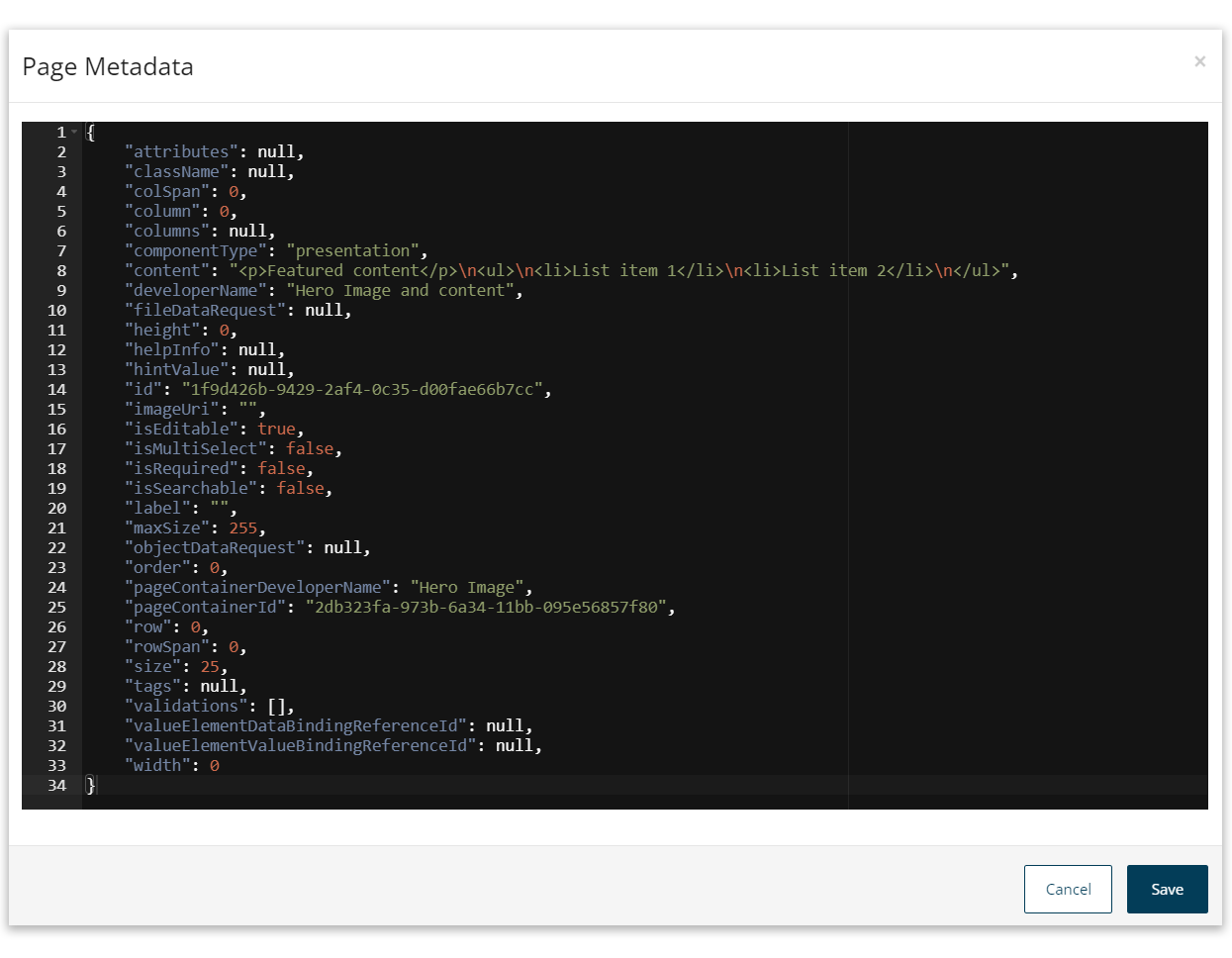
You can view and edit the JSON formatted page metadata.
-
Click the Metadata Editor icon in the page header to open the Page Metadata.
-
View and edit the metadata as required.
-
Click Save to save any changes you have made to the metadata, or Cancel to return to the page builder.
caution
Saving changes to the metadata will overwrite any unsaved changes in the page builder.
