Creating a local runtime connection in Boomi Flow
To connect a local runtime to the Flow platform, you will need to set up a local runtime connection in your Flow Organization.
This is the local runtime entity in the Flow cloud that you can use to perform actions in a local runtime, such as deploying flows and viewing metrics.
Only Organization Administrators are able to access and set up local runtimes in a Flow Organization. Refer to Organization Settings page for Organization Administrators.
-
Select Organizations from the top Settings navigation menu to open the Organization Settings page.
-
Navigate to the Local Runtimes section.
-
Click New Local Runtime Connection to begin setting up a new local runtime connection.
-
On the Create Local Runtime Connection page, perform the following:
- Connection name: Enter a name for the connection.
- Select tenants that you would like to share this local runtime connection with. You may share this connection with your Flow tenants to allow those tenants to deploy Flows directly to the connected local runtime.
- Click Create.
-
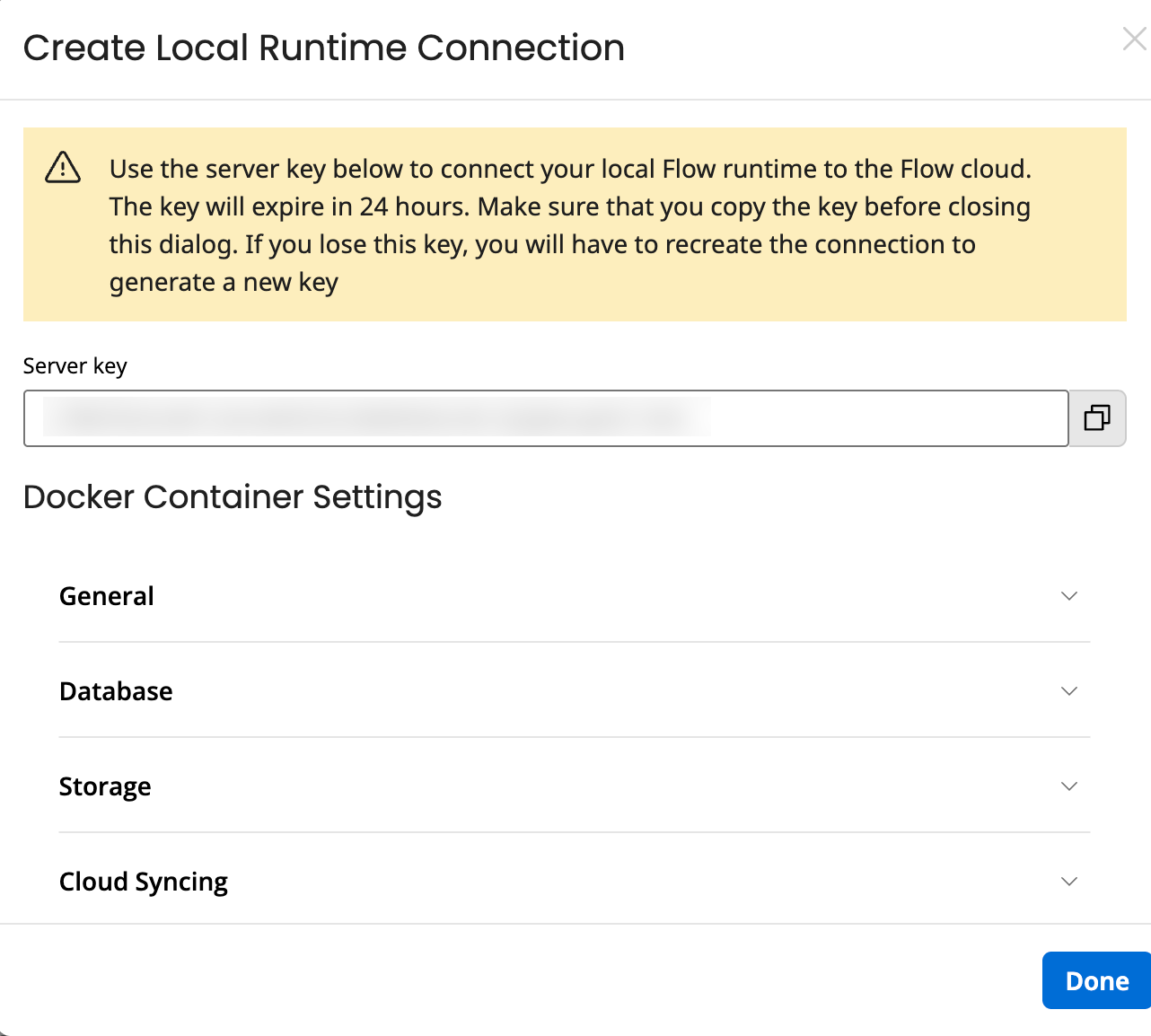
Copy and use the generated server key to connect your local Flow runtime to the Flow cloud.
-
Note that the server key expires in 24 hours after generation, and is single-use only.
-
Copy the key before closing the page; if you lose this key you will have to recreate the connection to generate a new key.
-
-
Copy the Docker command and click Done. You need this command when you set up your local runtime. Refer to Setting up a local runtime.
You can customize the generated Docker command by modifying its parameters. For example, if you update the name field under the General section, the name parameter in the Docker run command will reflect the change (for example: docker run --name "custom name"). For information on parameters details under each settings, refer to Local runtime Docker setup.
