A worked example of using Integration Data Actions with Flow
This topic provides an example of how Integration Flow Service Data Actions can be used to retrieve and work with data in Flow.
In this example, a Flow is built in the Flow canvas that allows users to save, query, load, and delete data to and from a simple database in Integration.
Before you begin
Before working through this example, ensure you are familiar with the following:
- Flow and Integration — how Integration connects to Flow using the Boomi Flow Services Server connector.
- Using the Flow Service component with Flow — how to set up a Flow Service component in Integration.
- Using Flow Service component Data Actions with Flow — how Data Actions work and how they map to Flow types.
Integration setup
Integration is set up as follows:
-
A PostgreSQL database table is set up to act as the target data system for the processes to interact with.
-
A Flow Service component is set up, and a Flow Service Data Action added to it.
-
The JSON Profile for the Data Action consists of a single level 'Contact' Object.
-
Processes are created and assigned for each of the different types of request, using a Flow Services Server listener process Start step. The Flow Service Operations are set as a 'Data Action' Service Type, with the relevant Data Action Operation selected (Load, Save, Delete).
-
All elements are deployed to a cloud attachment.
Flow setup
Flow is set up as follows:
-
A Boomi Integration Service connector is installed and configured to connect to the Flow Service component in Integration.
-
A 'Contact' type is automatically created from the Integration profile once the service is installed. This type and its properties/binding are associated with values to allow data to be passed to and from Flow.
-
A main 'Contact' Object value is created to store and work with data of this type.
A Flow is built in the Flow canvas to allow users to save, query, load, and delete data to and from the database:
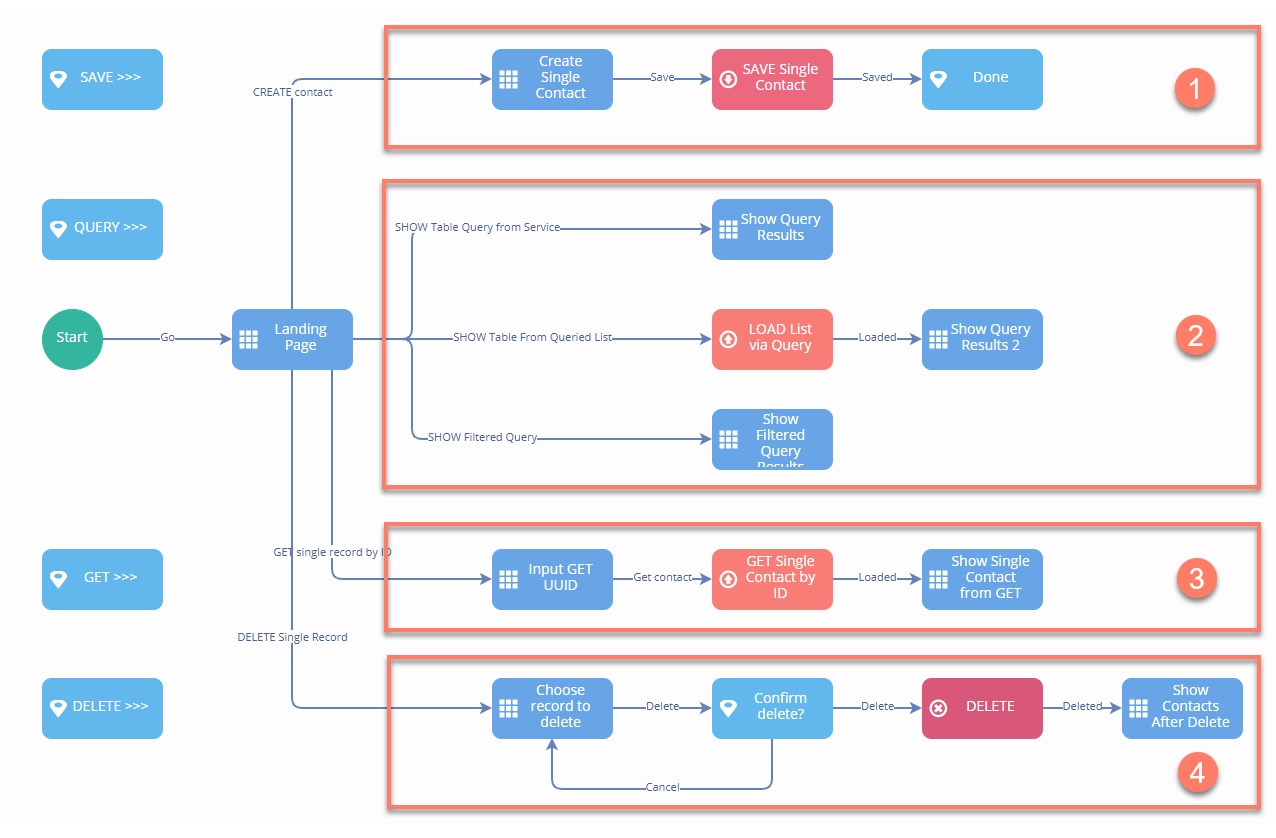
The Flow is laid out in four main sections:


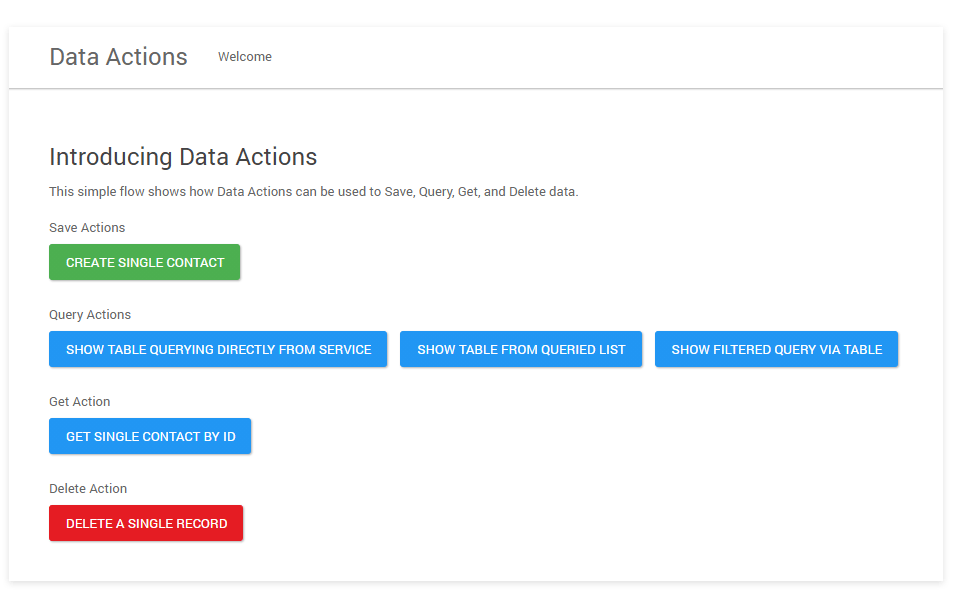
When the Flow is run in a web browser, the user is presented with the landing page: