Upsert-merge method overview
The Data Integration Upsert-Merge method ensures data consistency by synchronizing records between Sources and Target systems. It checks if a record exists in the target table using a specified key. If found, the platform updates the record; if not, it inserts a new record. This process keeps data up to date across different systems.
Supported targets
The Data Integration Upsert-Merge method supports the following:
- Amazon Athena
- Amazon Redshift
- Azure SQL
- Azure Synapse Analytics
- Databricks SQL
- Firebolt
- Google BigQuery
- PostgreSQL RDS/Aurora
- Snowflake
- Treasure Data
Snowflake, Azure SQL, and Databricks offer different Merge methods with distinct performance implications.
Merge method
The Merge method applies updates and inserts directly into the Target table using a MERGE INTO statement. This method optimizes incremental updates by processing only modified record subsets.
Merge method flowchart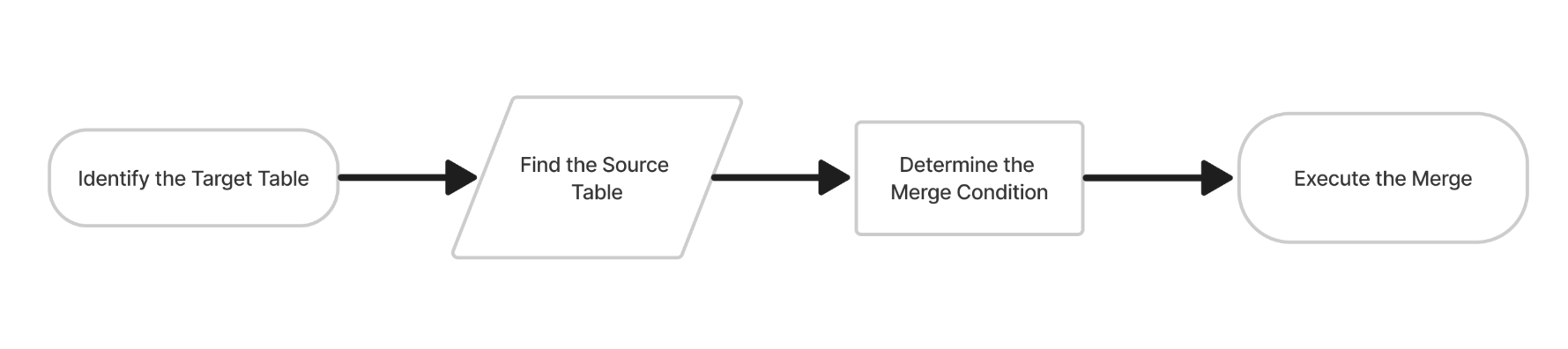
Key characteristics
- Directly updates existing records and inserts new ones.
- No intermediate table replacement.
- Best for smaller, frequent updates.
Disadvantage Key Duplication failure: If the increment contains duplicate keys, the Merge method fails due to conflicts in the Target table. This can occur when different source records share the same key but different values, leading to an ambiguous update. Sample merge query:
MERGE INTO target_table AS tgt
USING source_table AS src
ON tgt.id = src.id
WHEN MATCHED THEN
UPDATE SET tgt.column1 = src.column1, tgt.column2 = src.column2
WHEN NOT MATCHED THEN
INSERT (id, column1, column2) VALUES (src.id, src.column1, src.column2);
Switch merge method
The Switch Merge method creates a temporary table to store the merged data, then replaces the Target table in an atomic swap. This approach minimizes downtime during large transformations or schema changes.
Switch-merge method flowchart
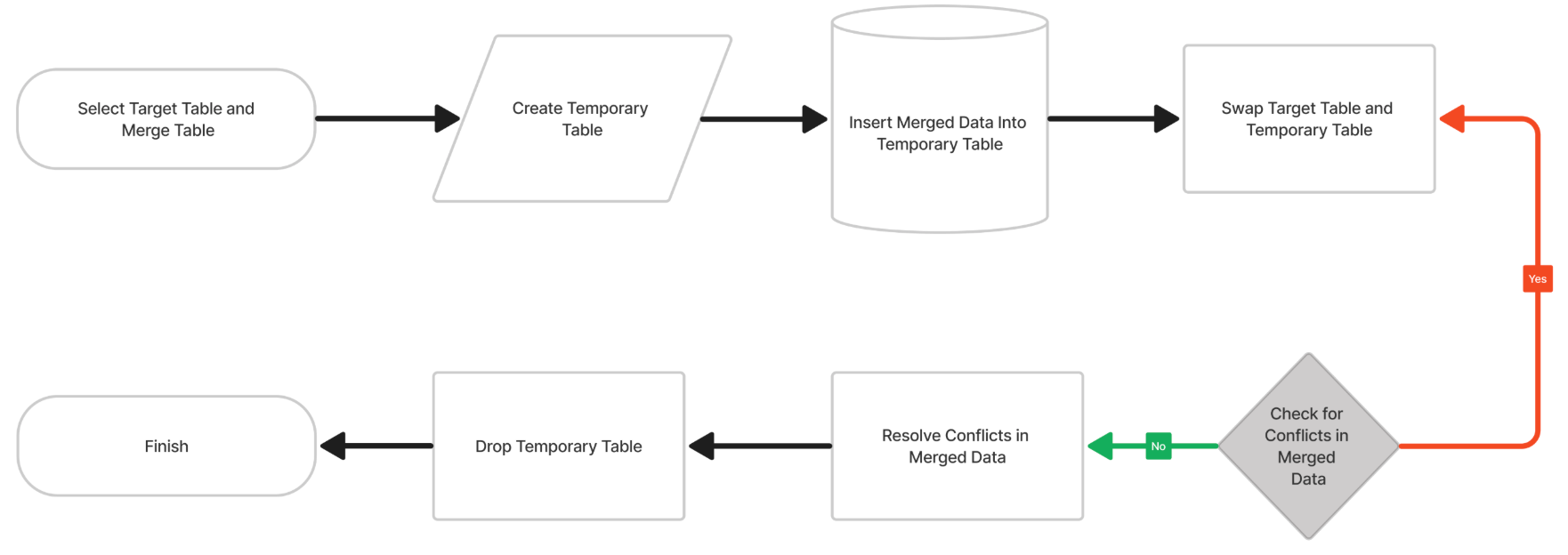 Key Characteristics
- Uses a temporary table to hold merged data before replacement.
- Ensures atomic replacement for consistency.
- Reduces downtime for large-scale data changes.
Sample switch merge query:
 CREATE OR REPLACE TABLE temp_table AS
 SELECT * FROM source_table;
 ALTER TABLE target_table SWAP WITH temp_table;
Merge vs. switch merge: key differences
| Feature | Merge | Switch Merge |
|---|---|---|
| Operation | Updates/inserts specific rows | Replaces the entire table |
| Best For | Ensures no duplicates | Full table refreshes or transformed large datasets. |
Temporary tables in both methods in Data Integration
Although the Merge method appears to update the Target table directly, Data Integration creates a temporary table first to ensure data integrity. Both methods use a temporary table:
- Merge: The platform applies changes to a temporary table before merging into the target, without replacing the table.
- Switch Merge: The temporary table fully replaces the target table in a single step.
Configuring automatic failover to Switch Merge
Data Integration may switch from Merge to Switch Merge in cases such as:
- Schema changes (for example, new columns in the Source table).
- Primary key conflicts that could cause inconsistencies.
- Performance constraints or timeouts.
Managing Delete-Insert method (Snowflake-specific)
In Snowflake, an alternative Upsert method involves deleting outdated rows before inserting new ones. Use this method to perform a complete data refresh.
Delete-Insert method flowchart
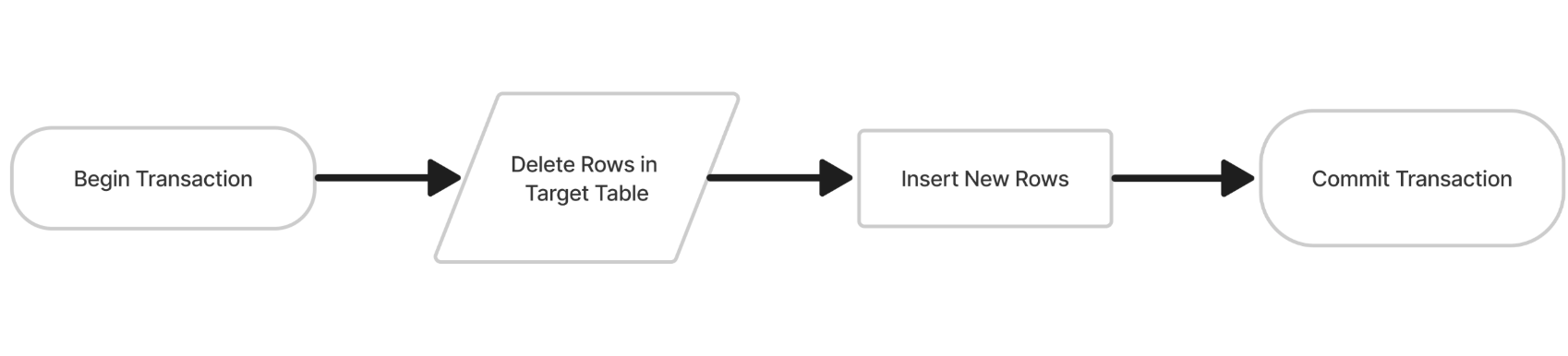
Sample Delete-Insert query:
DELETE FROM schema.metadata trgt_
USING schema.tmp_metadata src_
WHERE trgt_._id = src_._id;

INSERT INTO schema.metadata (id, name, email)
SELECT id, name, email FROM schema.tmp_metadata;
Best practices
Avoid running different Data Flows on the same Target table. Running different Data Flows to the same target Table can cause:
- Data inconsistencies due to overlapping updates.
- Performance issues from excessive resource usage.
- Locking conflicts leading to transaction failures.
- Unclear data lineage making debugging difficult.
