List and Manage - BW Extractor
Updated 12 June 2024
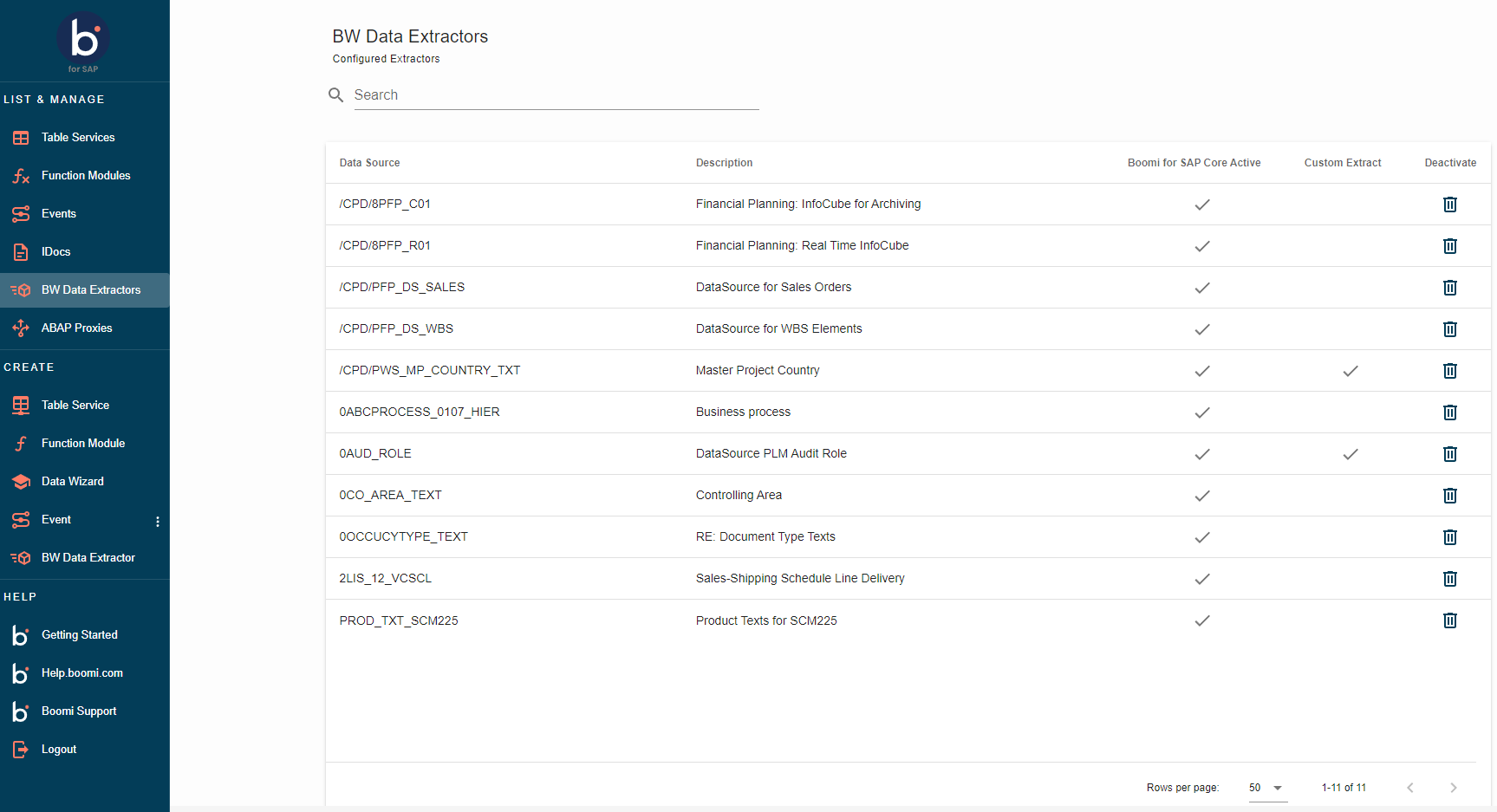
- To view the activated BW Data extractors, go to the homepage and click BW Data Extractors under the LIST menu on the left side.
-
This list provides an overview of the currently active data extractors in SAP, which can send data when executed. The list is organized as follows:
- Data Source: Refers to the name of the data source in SAP.
- Description: Provides a concise explanation of the data extractor in SAP.
- Boomi for SAP Active: Indicates whether the BW Extractor has been activated for Boomi for SAP.
- Custom Extract: Specify if the BW Extractor is prepared for custom extraction.
- Deactivation: Allows the removal of the BW Extractor from the user interface.
-
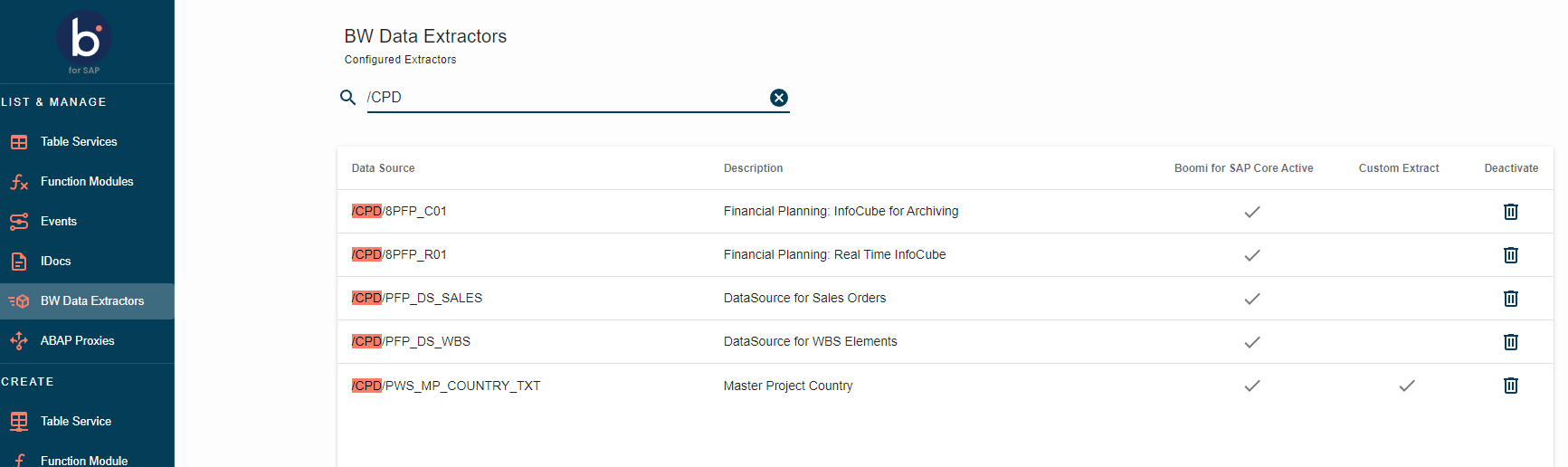
To search for specific extractors, use the search function in the page's upper right corner. For example, if you search for the name 'FLEET,' all extractors containing 'FLEET' will be displayed.
- If the desired data source is not listed, log on to SAP GUI and activate the data source by running
/IXBX/ZBX006
