Boomi Enterprise Platform for Table Services
You can use the Boomi for SAP connector to import Table Services into Boomi.
The Boomi for SAP connector can either be used in a Start step to begin a process or as a Connection step later in a process by searching for the connector and dragging it onto the canvas. The following sections show how to create a new method using the Boomi for SAP in a Start step. However, the options are the same in both cases.
When you enter the Boomi Platform, click the Process button in the canvas or create a new component in a folder, then fill out the different fields on the Start step page.
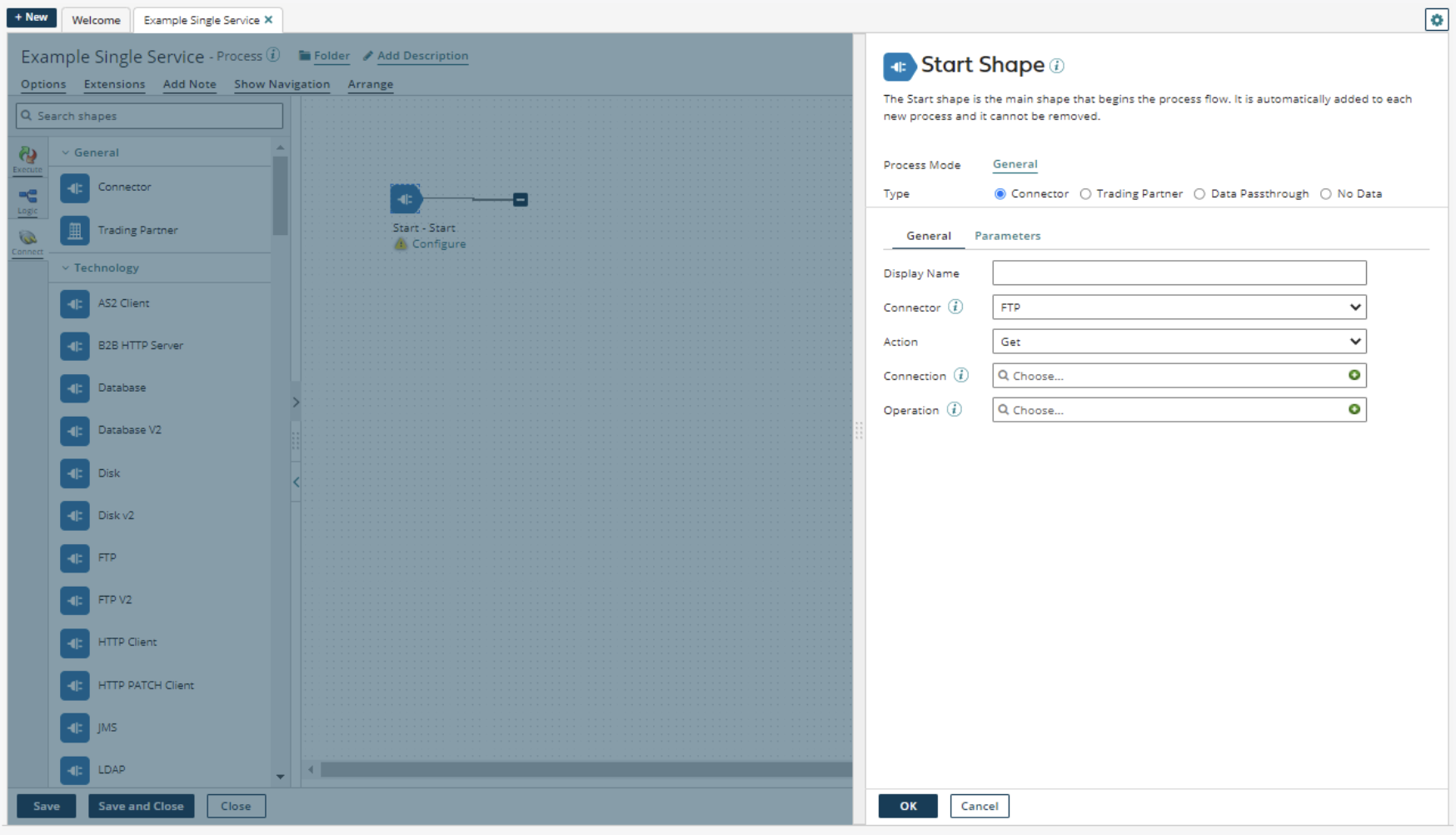
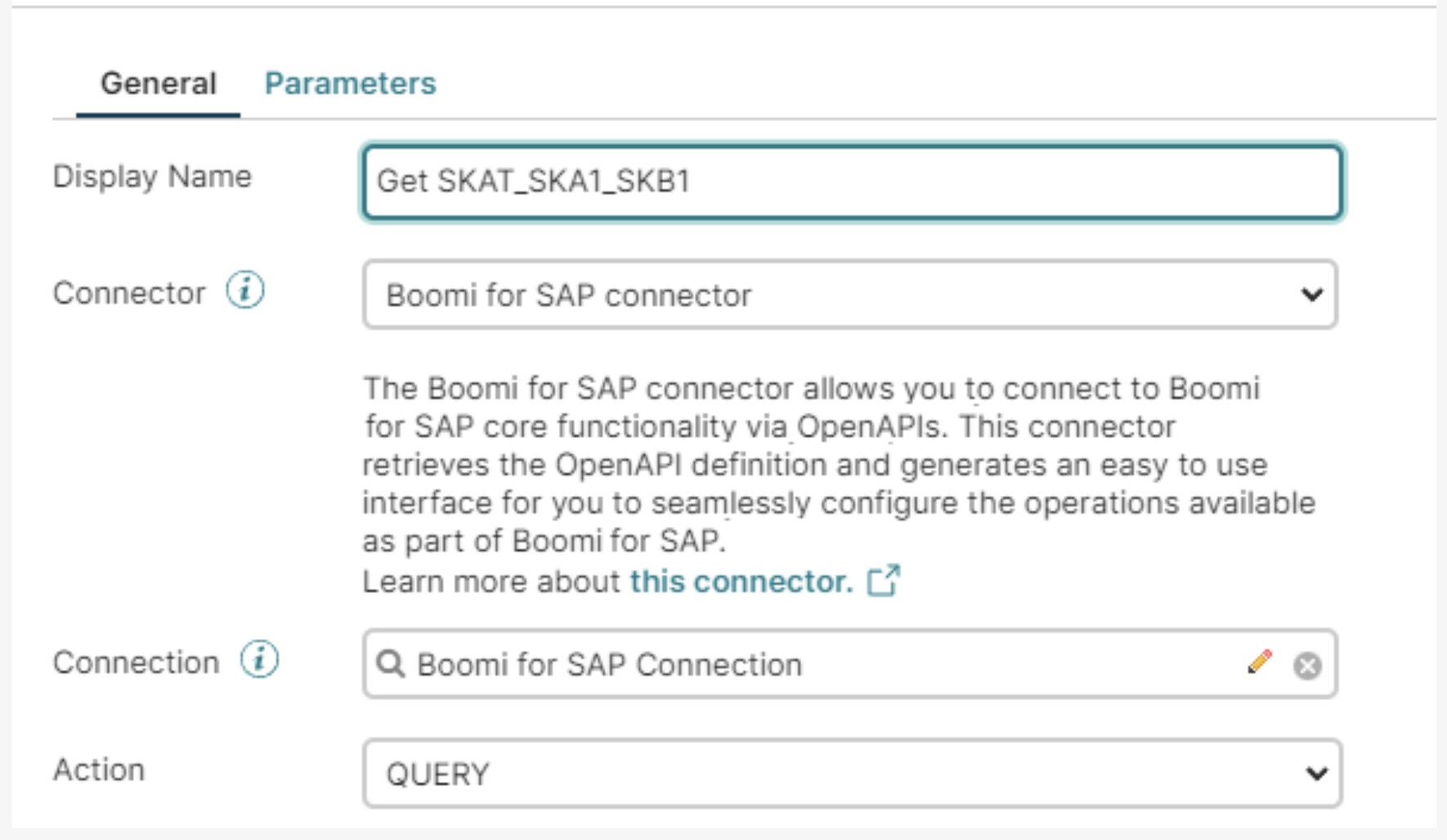
Create a Display Name, then click on the drop-down arrow to select the connector Boomi for SAP. The action will then change because of the chosen connection.

By default, choosing Boomi for SAP sets the action to QUERY.