Application Subscriptions
You can subscribe to as many API products with different plans with one application.
Managing API Subscriptions
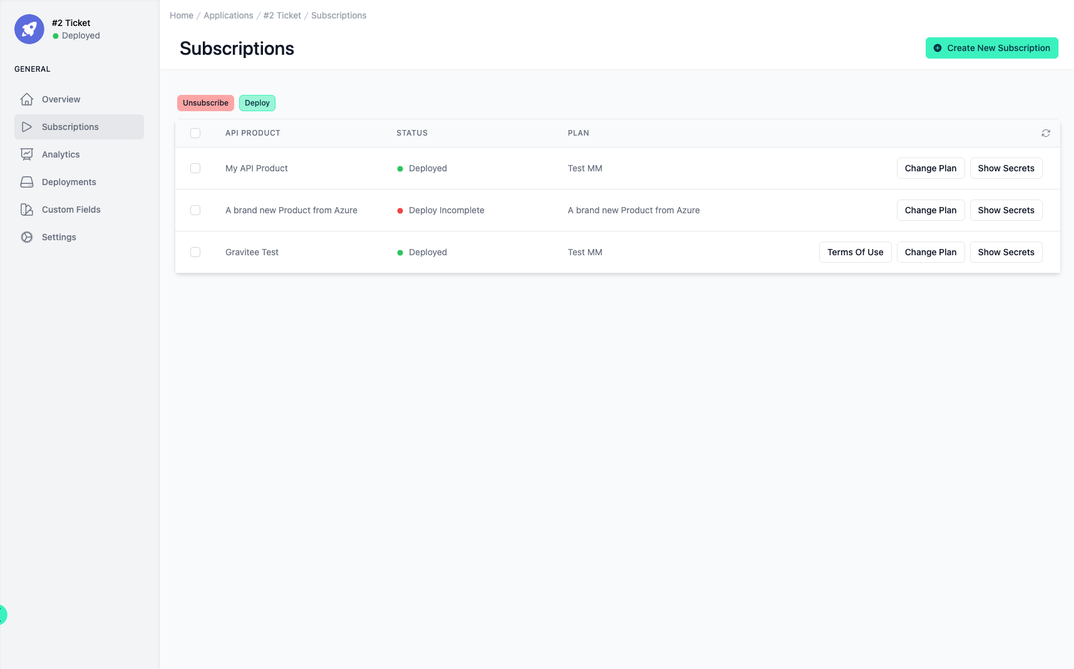
Within the Subscriptions section, there is a streamlined view that lays out API products along with relevant details. For instance, an API Product can be listed with its current deployment status displayed as Deploy Incomplete, signaling that the setup of this API product is not yet finalized. Adjacent to the status is the plan associated with the API product.
This section allows you to perform critical actions such as subscribing and unsubscribing to API products with just a few clicks.
Create New Subscription
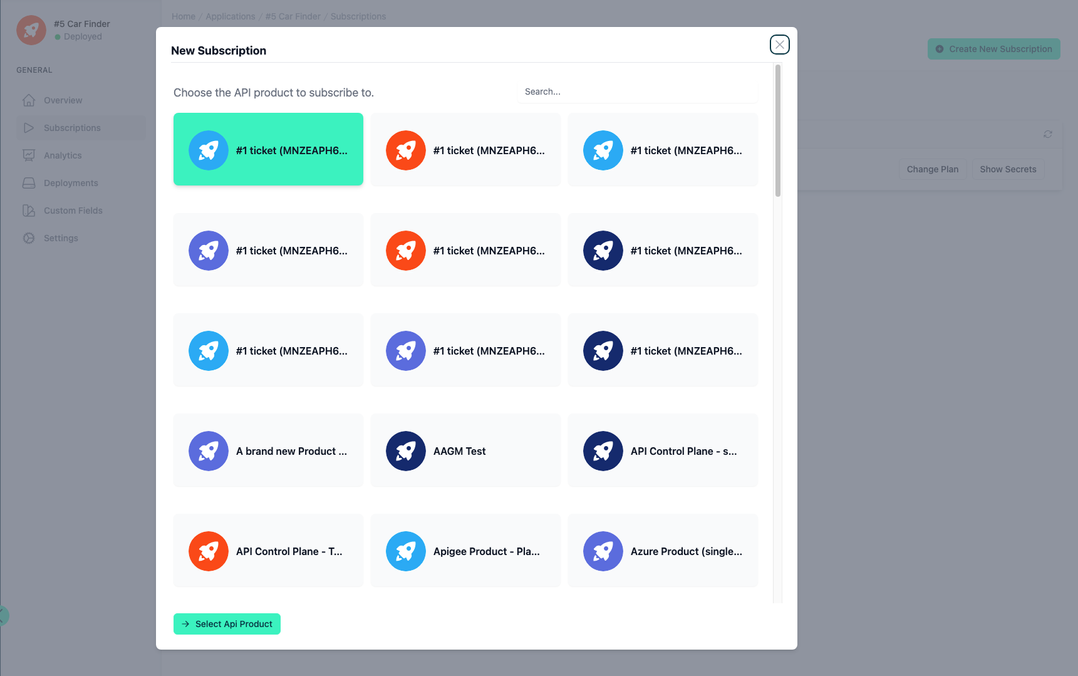
To do this, click on the Create New Subscription button. You are guided through a dialogue that helps you to create a subscription step by step.
Show Secrets
You can display the secrets for each subscription.
If MCP is enabled, the MCP Credentials are provided.
If there is a subscription to an API Product that has APIs in Cloud API Management, you will see the following:
- If you subscribe via a Boomi-managed agent, you will see an API Product Key and an API Product Secret.
- If you subscribe via a non Boomi-managed agent, you will see an API Product Key only.
Change Plan
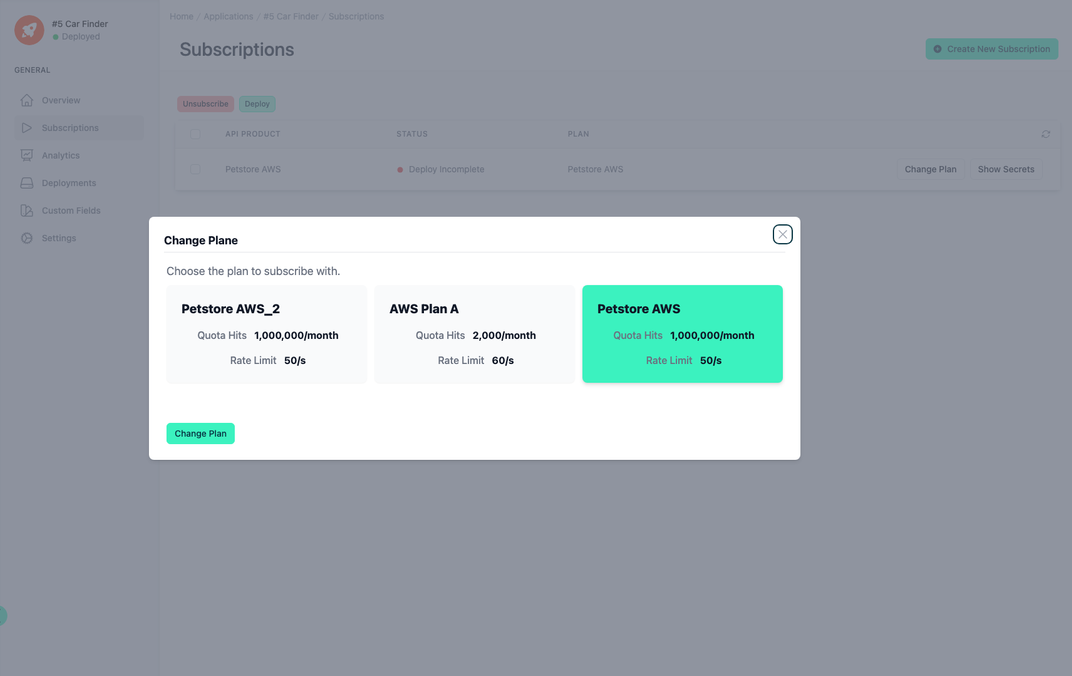
You can also change the subscription plan at a later date.
Terms of Use
You can upload terms of use for your application.
Terms of use are uploaded as a PDF and have the following options:
- Active - If selected, users will need to accept the terms of use.
- Default for API Products - If selected, the uploaded terms of use is automatically added to all API Products and must be accepted by anyone that wants to subscribe to the API Product.
- Default for Developer Portal - If selected, the uploaded terms of use is automatically added to all Developer Portals and every user must accept it when they activate their account by setting their password.